How to Mix Rap Vocals Over a Beat (Without a Studio)
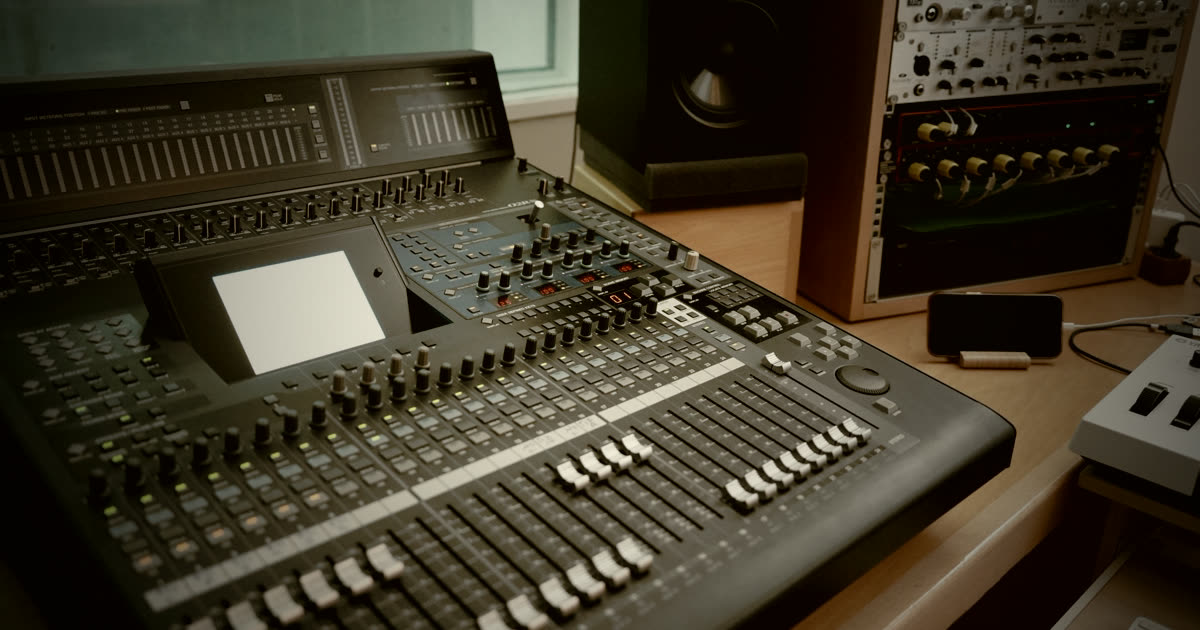
You bought the beat, you wrote the bars, you recorded the take — and it still sounds like a voice memo playing on top of a song. That gap is mixing. Here's the chain that gets you 90% of the way there, in order, with no expensive plugins.
Start before you touch a plugin
The best mix decisions happen at the microphone. Record so your loudest ad-lib peaks around -6 dB. If you're clipping, everything downstream fights you.
Record your main verse, then double it — same words, same flow, second take. Pan the double slightly left and right at low volume under the main. This is the single fastest way to make a home vocal sound "produced."
1. Gain staging
Pull the raw vocal down so the loudest part sits near -6 dB. Do this with a gain plugin or clip gain, not the fader. Every plugin after this reacts to input level, so getting it consistent first means the rest of your chain behaves predictably.
2. Subtractive EQ
Cut before you boost:
- High-pass at 80–100 Hz. Nothing useful for a rap vocal lives below that, but plenty of rumble does.
- Find the mud. Sweep a narrow boost between 200–400 Hz until it sounds boxy, then cut 2–4 dB there.
- Find the honk. Same trick around 800 Hz–1 kHz if the voice sounds nasal.
3. Compression
Rap needs consistency — every word has to land. Use two light compressors instead of one heavy one:
- First: ratio 3:1, fast attack, medium release, 3–5 dB of gain reduction.
- Second: ratio 2:1, slower attack, 2–3 dB.
Two gentle passes sound natural. One aggressive pass sounds squashed and lifeless.
4. De-essing
Compression pushes sibilance forward. A de-esser set around 6–8 kHz, pulling 3–5 dB on the harshest "s" sounds, fixes it. If you don't have one, automate the volume down on the worst words.
5. Additive EQ
Now add. A gentle shelf above 8–10 kHz brings air and presence. A small boost around 3 kHz helps consonants cut through a busy trap beat. Small moves — 2 dB is a lot up here.
6. Space
Two sends, not two plugins on the channel:
- Short reverb (0.8–1.2 s), mixed low. You should notice when you mute it, not when it's on.
- Slap delay (1/8 note, synced to the beat's BPM), low in the mix. Instant depth.
Both must be tempo-matched. If you don't know the tempo, our BPM tap tool will find it in ten taps — or just read the BPM on any beat in the catalog.
Sitting the vocal on the beat
This is where most home mixes fail: the vocal and beat fight for the same frequencies.
Sidechain the beat to the vocal. A compressor on the instrumental, triggered by your voice, pulling 1–2 dB. When you rap, the beat ducks slightly. Nobody hears it happen; everybody hears the clarity.
If you can't sidechain, carve a small dip around 2–3 kHz in the instrumental instead. Same idea, static instead of dynamic.
Why an untagged WAV matters here
Mixing over an MP3 with a producer tag on it is a waste of time — you can't EQ around the tag, and MP3 compression already threw away high-frequency detail your plugins need. Get the untagged WAV before you start mixing seriously. That's part of why paid beats beat free ones when you're actually releasing.
If you buy Trackout or Unlimited, you get the stems — drums, melody, 808 as separate files. That means you can mix the beat around your voice instead of fighting a stereo file.
The order that matters
Gain → subtractive EQ → compression → de-esser → additive EQ → sends. Deviating is fine once you know why. Starting somewhere else is usually why a mix never comes together.
Got the mix down? Next step is releasing it properly.
Ready to record something new? Browse the beats — every one previews instantly.
Find your next beat
Dark trap & boom bap type beats — ScHoolboy Q, Kendrick, Don Toliver territory. Preview every beat, license in two clicks.
Keep reading
 Craft
CraftHow to Write Over a ScHoolboy Q Type Beat
Flow placement, subject matter, use of space and ad-libs — how to write to west coast production without imitating the artist the beat is named after.
 Genres
ScHoolboy Q's Albums: A Producer's Reference
Album by album, the production teams and sonic shifts across ScHoolboy Q's catalog — written from a producer's angle, for anyone studying the west coast sound.
 Genres
West Coast Drums: Why They Hit Different
A producer's guide to the drum programming behind ScHoolboy Q type beats — snare layering, swing, kick placement, and why quantized drums kill the bounce.